Skip to content

插件开发

插件创建

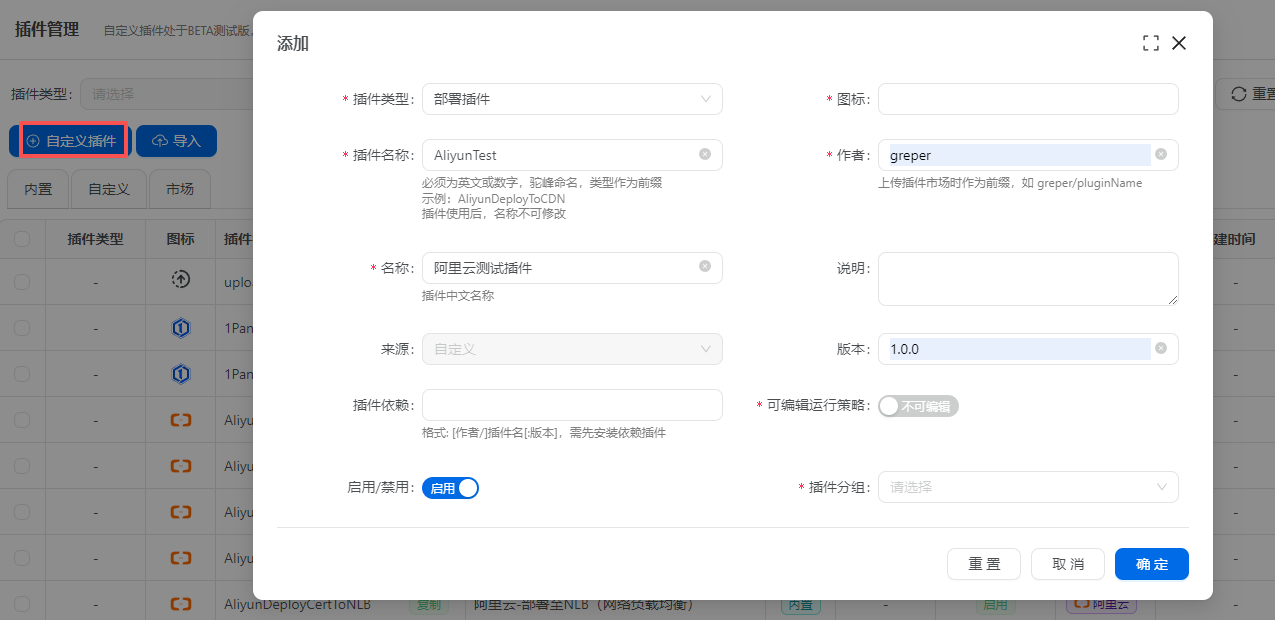
点击自定义插件按钮,填写插件基本信息 plugin-create.png

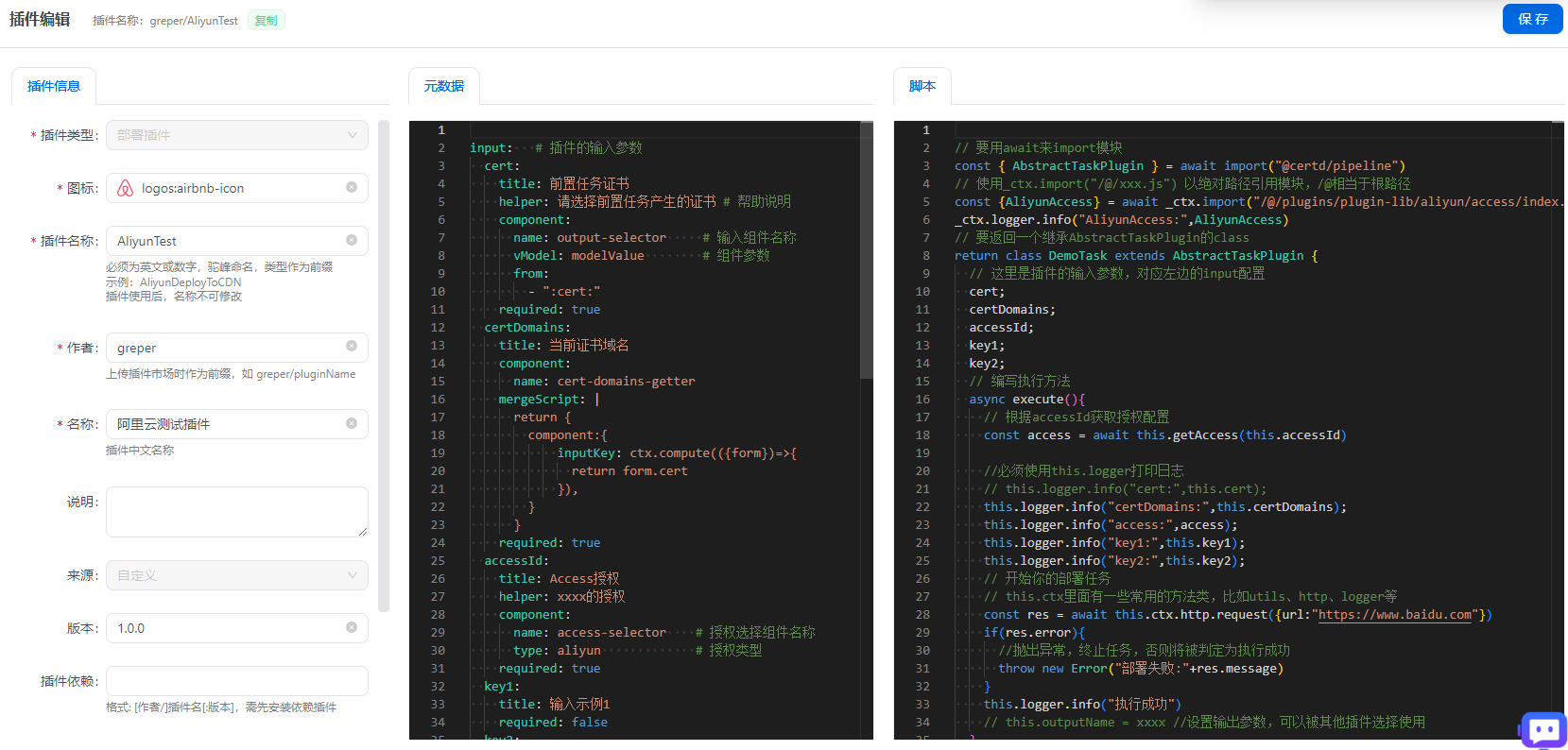
创建成功后,会默认打开插件编辑页面,里面默认带有示例代码说明,可以在此基础上进行你的自定义开发 plugin-edit.png

插件测试

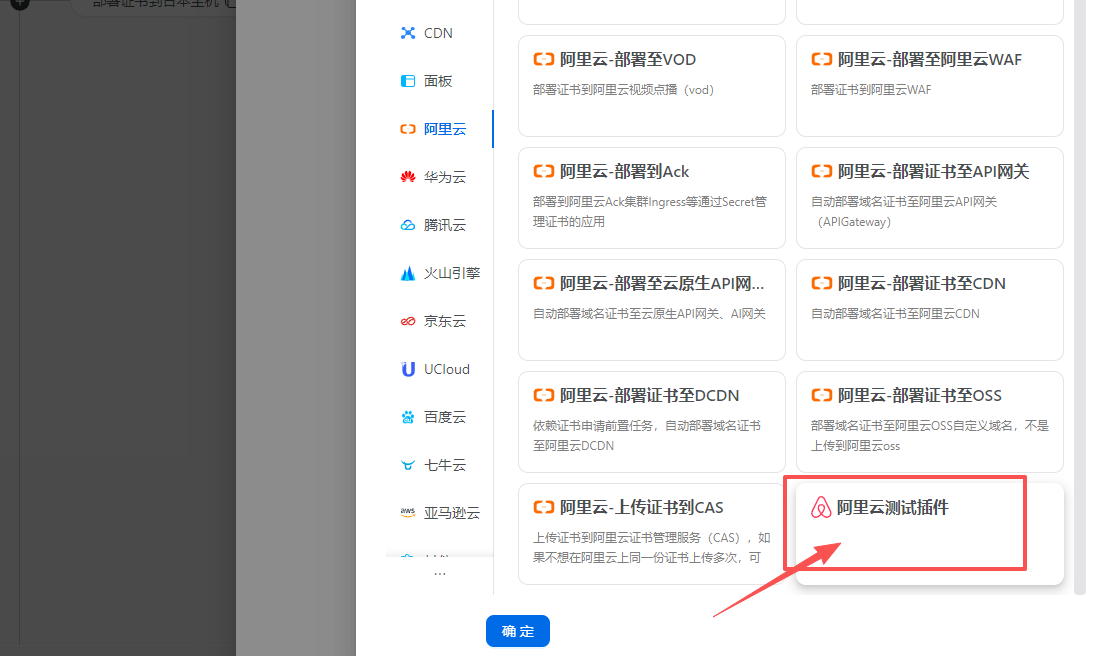
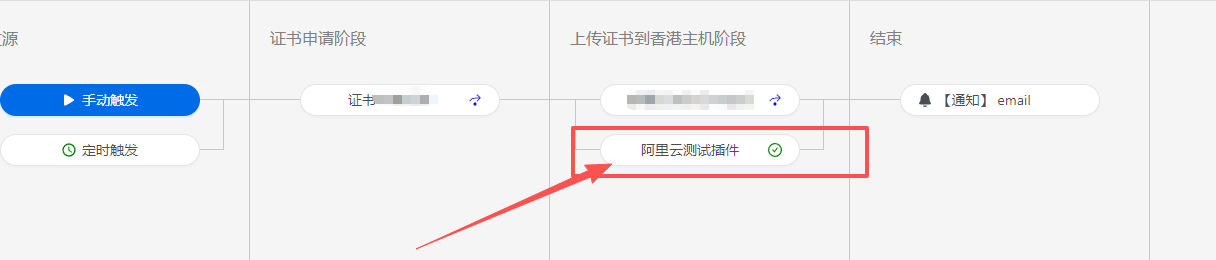
在流水线中添加插件任务 plugin-test.png

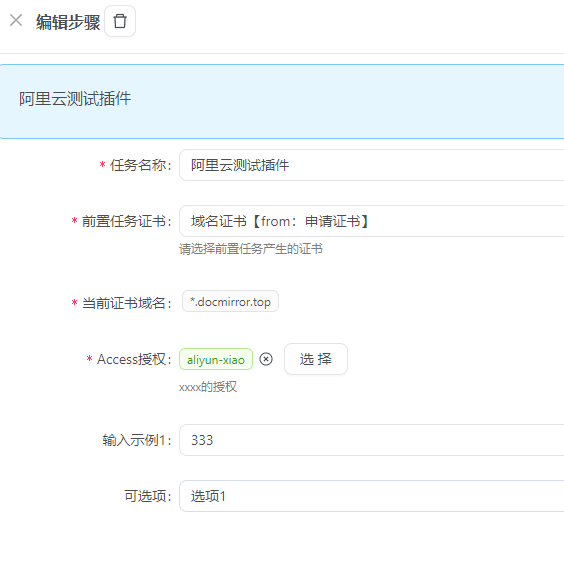
配置插件任务参数 plugin-test.png

点击运行,查看插件任务运行结果 plugin-test.png